
Make.com and Zapier: automations that never see your files
Integration platforms are glue, and glue usually gets to read everything. With Sapherbox it gets events, identifiers and masked names, never content.
Make.com, Zapier and their relatives are how most organisations wire tools together without writing code. A file lands here, a ticket opens there, a row appears in a sheet. With an ordinary cloud drive the connector gets what the drive has, which is everything: it downloads the file, reads the name, passes the content on to whatever is next in the chain. That is convenient, and it means the integration platform, and every step after it, is now a place your documents exist in plain text.
Sapherbox cannot work that way, because the server itself never has your files in plain text. The question people then ask is reasonable: what is left for an automation to do? More than you might expect. This article walks through the two directions an integration can take, what each carries, and three automations we have built this way.
Two directions
An integration either reacts to something that happened in your tenant, or does something to it.
Reacting is the job of workflow webhooks. A rule in your tenant fires on an event and posts a signed JSON message to a URL you choose. Make and Zapier both start scenarios from an incoming webhook, so this is the natural entry point.
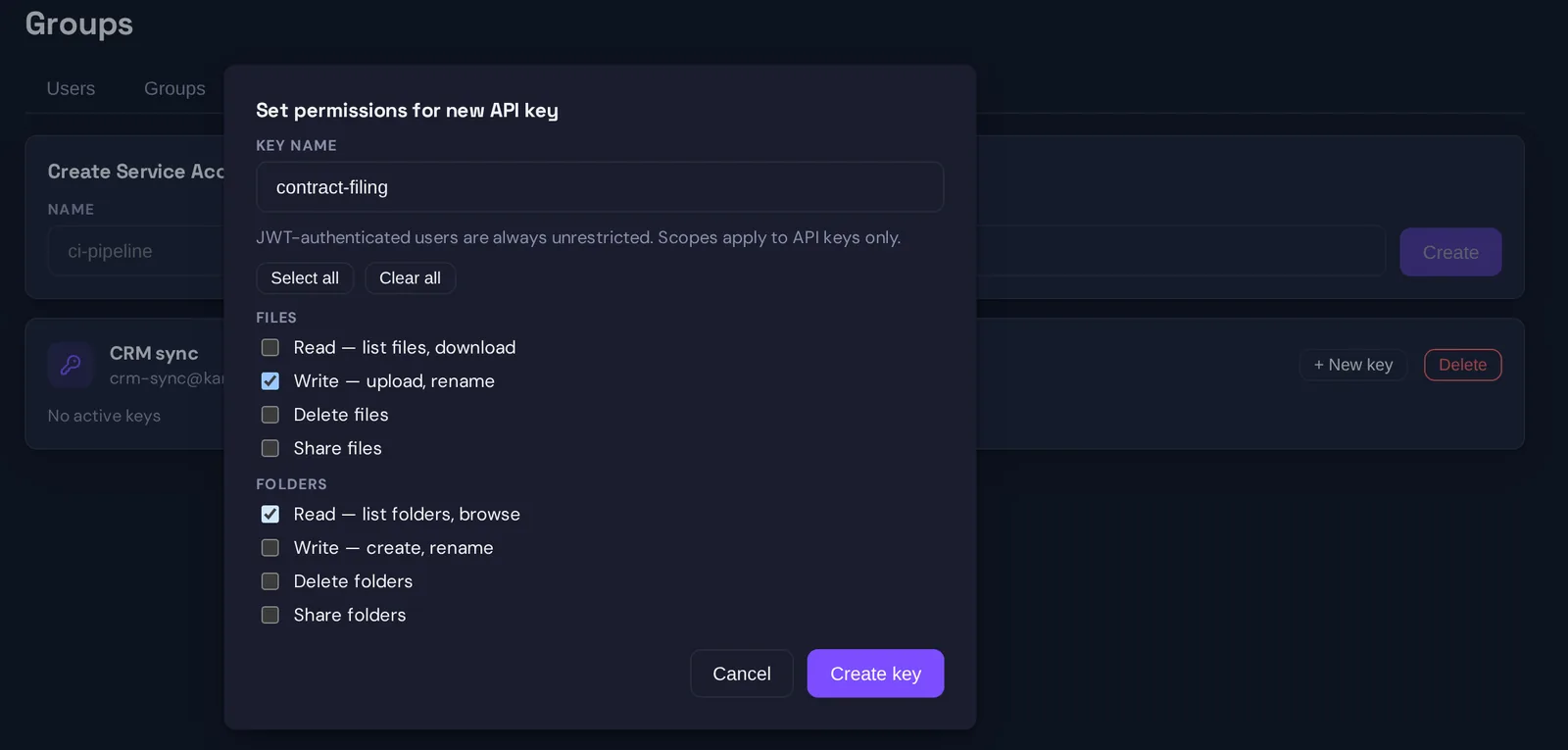
Doing something is the job of a service account with an API key. The account is a principal of its own, with its own keys and a key that can do exactly the verbs you listed. We described the model in service accounts with narrow scopes.
The line between the two is where the content lives. Webhooks carry what the server knows, which is never content. The API lets a caller read and change what the server holds, which is ciphertext and metadata, and only a caller holding the account’s private keys can turn ciphertext into a document. A step inside Make or Zapier never holds those keys.
What a webhook carries
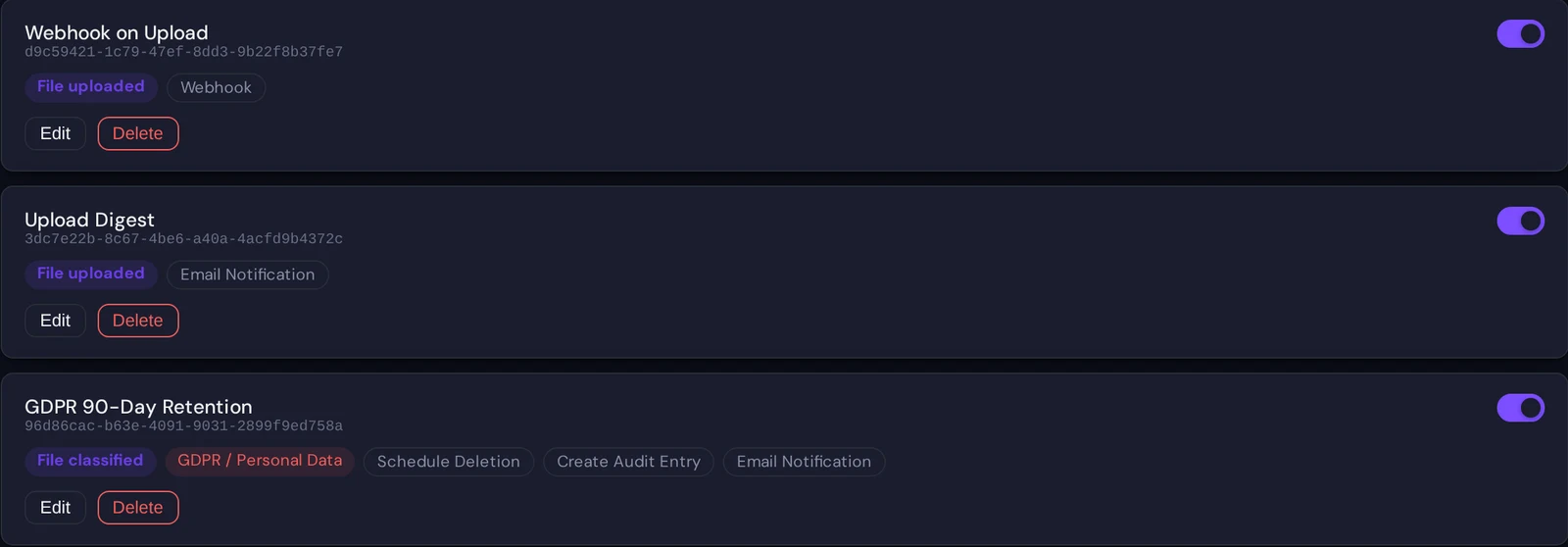
A workflow is a trigger, a filter and a list of actions; the mechanics are in workflows on encrypted data. When one of its actions is a webhook, the server posts a JSON body with the fields it has for the event:
- the event, such as a file uploaded or a classification result
- the file and folder identifiers
- the file name in its masked form, first and last character with the middle starred
- who acted, as address and display name
- the classification labels found, if the trigger was a classification
- the date, a link to the folder in the web app, and the name of the workflow that fired
Two things are deliberately absent. The content is absent because the server never had it. The full file name is absent because names are sealed on the device that uploaded them, which is the reason we encrypt names too. The masked form is enough to recognise a file you know and not enough to learn one you do not.
Every request is signed. You set a secret on the webhook action, and the server sends an HMAC-SHA-256 over the exact body in the X-Sapherbox-Signature header, as sha256= followed by the hex digest. Your receiving step recomputes it with the same secret and drops anything that does not match, so a message cannot be forged or altered on the way. Make can compute the digest with its built-in sha256 function given the key; in Zapier it is a few lines in a Code step. The server waits ten seconds for an answer and does not retry, so point the webhook at the platform’s instant catch URL rather than at a slow endpoint of your own.
Example 1: a new contract opens a ticket
A law firm keeps signed contracts in a folder per client. They want the back office to see every new document without opening the vault.
- Workflow trigger: file uploaded, filtered to the “Contracts” subtree.
- Action: webhook to a Make scenario.
- Make: verify the signature, then create a ticket in the help desk with the folder link, the masked name, the uploader’s name and the date in the description.
The ticket says “R****f.pdf uploaded to Clients / Nordwind GmbH by a.lindqvist”, and the agent who needs to see the file clicks the folder link and opens it in the web app with their own keys. The help desk never stored the contract, and neither did Make. That sentence is also what you write in the data-processing record for both tools: they handle identifiers and masked names.
Example 2: an upload link feeds the case system
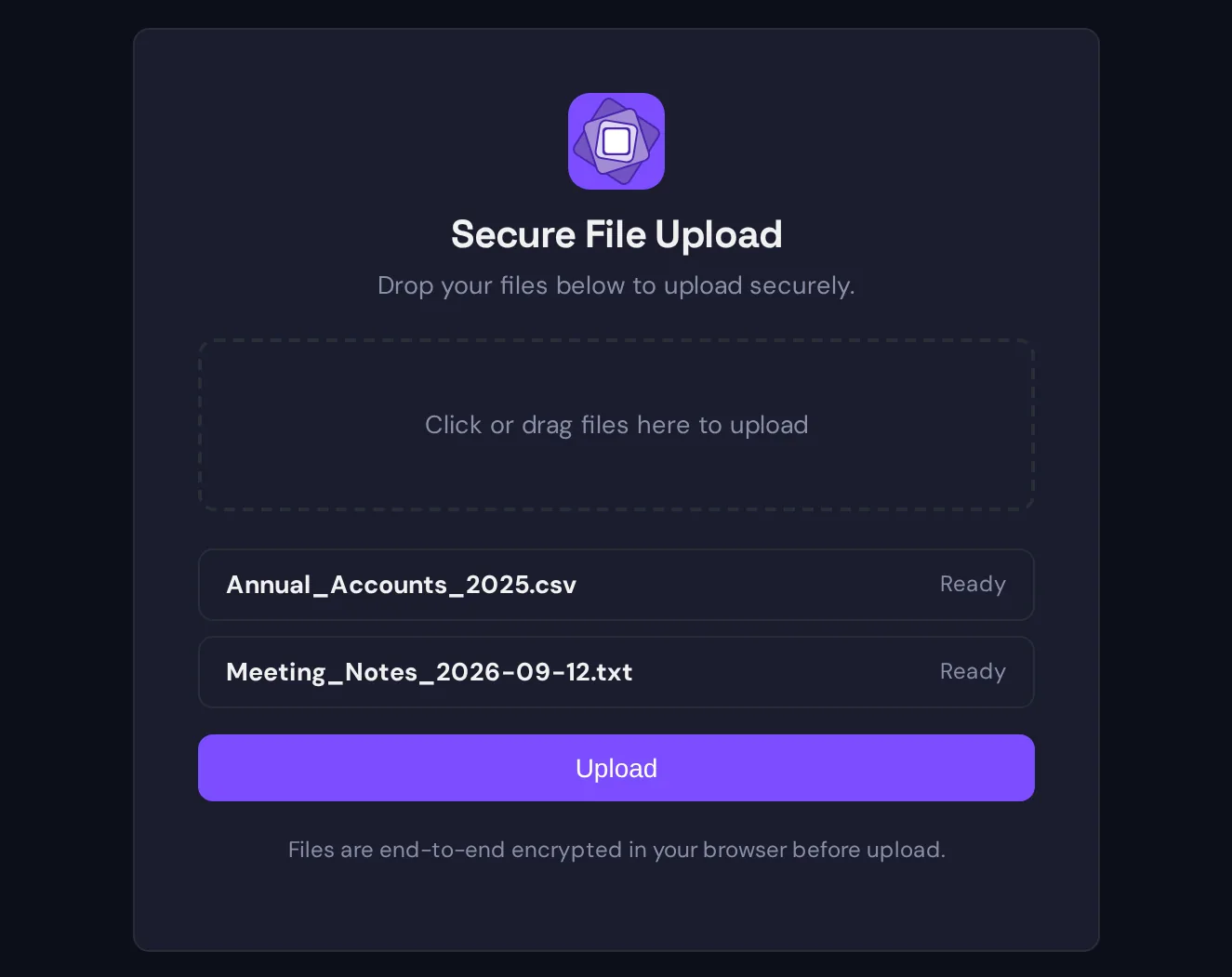
An insurance broker collects claim documents from clients who have no account. Each open claim has its own intake folder and an upload link for that folder, sent to the client once. The broker wants the claim record in the CRM to update the moment something arrives, without anyone watching the vault.
- Workflow trigger: file uploaded, filtered to the “Claims intake” subtree.
- Action: webhook to a Make scenario.
- Make: verify the signature, look up the claim by the folder identifier, append a note “document received, R****t.pdf, 14:02” with the folder link, and move the claim to “documents received” if it was waiting on them.
The payload carries the folder identifier, which is the claim, and names the actor as anonymous, which tells the scenario the file came through the link rather than from a colleague. It does not carry the client’s name, the file’s full name or a byte of its content, so the CRM learns that a document arrived for claim 4471 and nothing about what is in it. The handler opens the folder in the web app when they are ready to read it. If the link is ever abused, the folder filter means the noise lands in one claim, and revoking that link stops it.
Example 3: monthly figures into a sheet
Compute jobs run SQL over encrypted spreadsheets in the browser, so the aggregates exist on the device of the person who ran the job. A job can be given an output webhook, and when the run finishes, the browser posts the results, the operation and the aggregate values with the file identifiers they came from, to that URL. A Make scenario appends them to a Google Sheet or some other target system.
This is the one place where content-derived data leaves the system, and it does so from the user’s device, when the user runs the job, with exactly the numbers the query produced. The server does not see the figures and could not send them. If the query returned every row of the spreadsheet, every row would travel; the control is the query, and the audit log records that the job ran.
Doing things from the outside
The inbound direction is narrower, and the limits follow directly from the encryption.
What an API key can do without any keys: list the folders and files that were shared with its account, as identifiers, sizes and sealed names it cannot read; look up users and their public keys; create, resend and delete invitations; and delete files or folders it was granted that right on. So a Zapier zap that invites a new employee when HR creates them in the directory works with the user invite scope alone, and an offboarding zap can list and remove an account’s open invitations.
What needs the account’s private keys: reading a file, uploading one, renaming one, creating a folder, sharing one. Each of those encrypts, decrypts or seals a key on the client, and the client has to be something that holds the PKCS#8 key and the post-quantum seed shown once when the account was created. A step inside Make or Zapier cannot be that client, and we have not built a connector that would make it one, because it would mean giving a third-party platform a copy of the keys. For automations that must move content, the pattern is a small service of your own, or the desktop sync client on a machine you control, dropping files into a synced folder that the platform merely triggers.
Each scope is explicit and a new key has none, so an integration that only invites users cannot list a single file. Every call is attributed to the service account in the audit log, which is what makes a machine’s activity reviewable next to a person’s.
What the platforms see, and what to put in the record
For the data-processing agreement, the two platforms are processors of the following and nothing more: event names, file and folder identifiers, masked file names, user addresses and display names, classification labels, timestamps and workflow names, plus whatever aggregate figures a user chose to send from a compute job. They never receive file content or full names, because the server that talks to them does not have either.
The two secrets to protect are the webhook signing secret and, if you use the inbound direction, the API key. Keep both in the platform’s credential store, not in a scenario’s visible fields, rotate the API key from the service account page when someone with access leaves, and revoke it there if in doubt. Neither secret can decrypt anything on its own.
Questions?
If you want to wire a specific system to a tenant and are unsure which direction it needs, or want the webhook payload and signature scheme as a reference document for your integration team, write to hello@sapherbox.com.