
Desktop sync that stays encrypted
Encryption that only works in a browser gets bypassed the moment someone needs a file in Explorer or Finder. The Sapherbox sync client brings the same keys and the same rules to a normal folder.
Most people do not live in a browser. They live in Explorer, Finder, a file dialog, an application that wants a path. An end-to-end encrypted platform that can only be used through a web page is, in practice, a platform that gets bypassed: the file is downloaded once, saved somewhere convenient, and from then on it lives outside every protection the platform promised.
The Sapherbox sync client exists so that this does not have to happen. It shows your vault as a folder on Windows, macOS and Linux, keeps it in step with the server in both directions, and does so without weakening anything the browser does. The keys are unlocked on your device, the files are encrypted before they leave it, and the server sees the same ciphertext it would see from the web app. This article describes how it works, what it does when things disagree, and where its limits are.
Same keys, different device
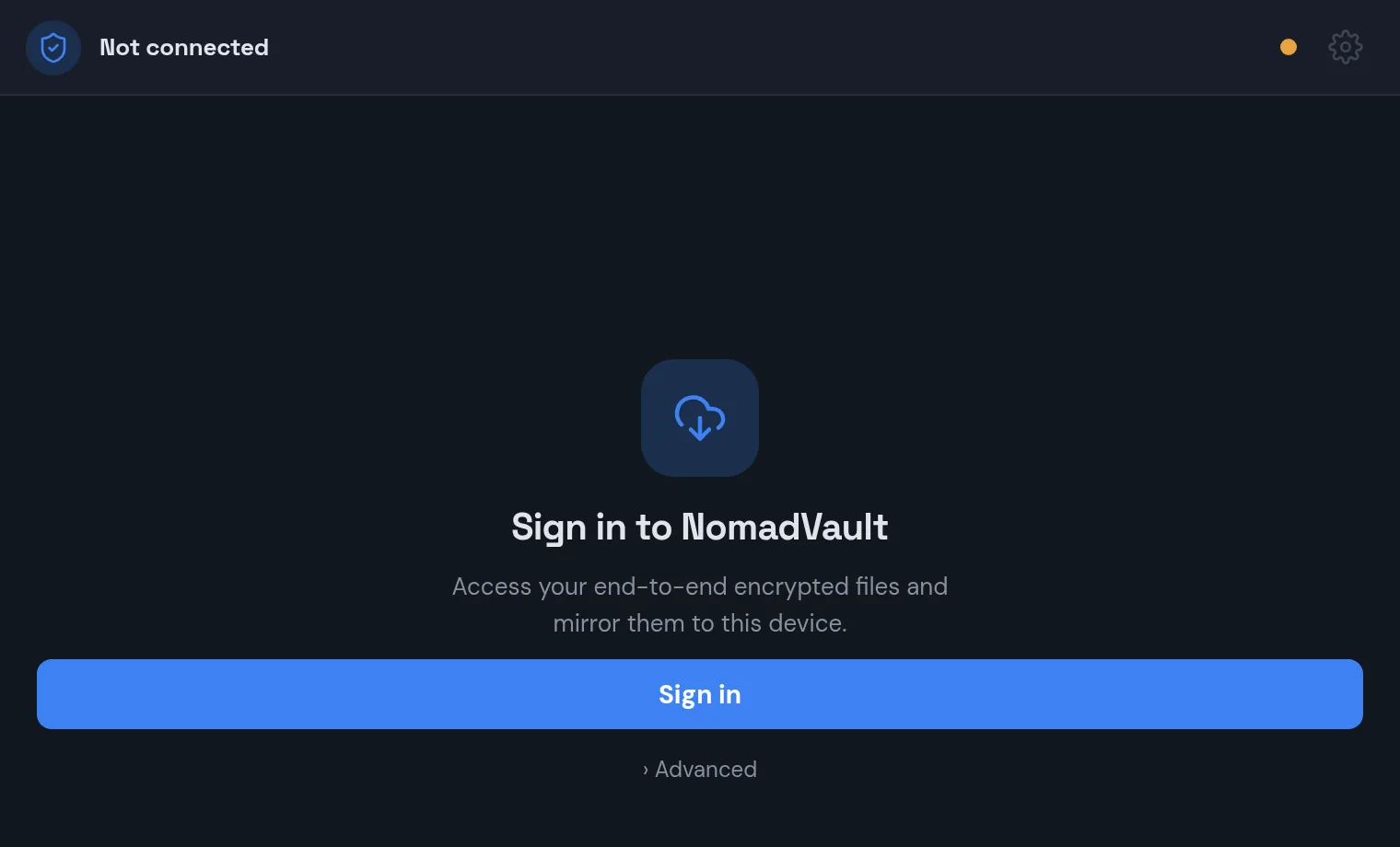
Signing in to the sync client is the same ceremony as signing in to the web app. Your password is turned into a key with Argon2id on your machine, that key unwraps your account master key, and the master key opens the identity envelope that holds your RSA, ML-KEM and signing private keys. None of that touches the server beyond fetching the sealed envelope. If your tenant requires a second factor, the client asks for it. If the account uses single sign-on, you unlock the vault with the same separate passphrase as in the browser.
From then on the client holds what the browser holds: the ability to open any folder key bundle sealed to you, to decrypt any file you can read, and to sign what it writes. A file uploaded from the sync client carries a sealed key and a signed grant exactly as a browser upload would, and the server applies the same checks. There is one access model, and the sync client is simply another device in it.
You can choose to stay signed in. The client then stores the unlocked session, encrypted under a key it keeps in the operating system’s credential store, the Windows Credential Manager, the macOS Keychain or the Linux secret service, so that it can resume syncing after a restart without asking again. The password itself is never written anywhere. Sign out, and the stored session is removed.
A folder that is really your vault
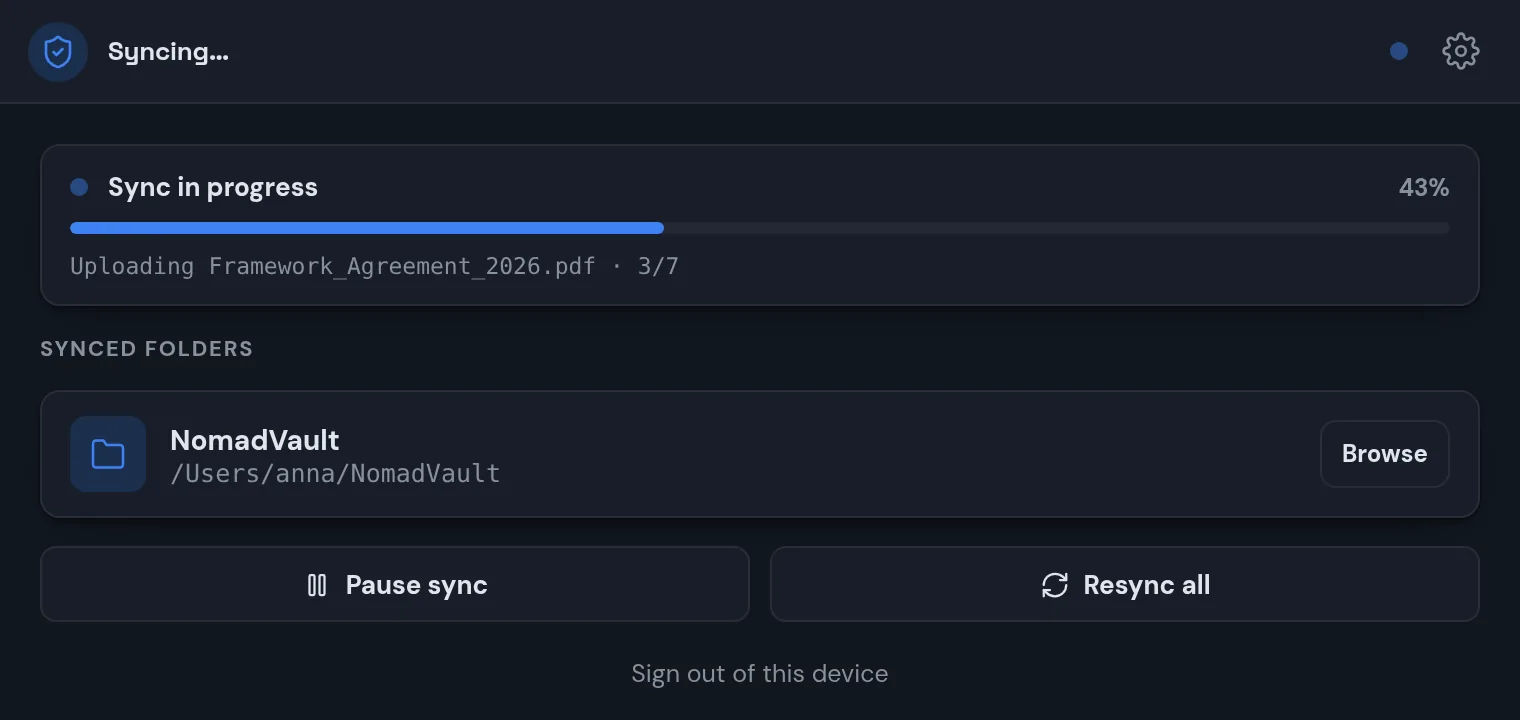
You pick one local folder, and the client mirrors your vault into it: your own folders and the ones shared with you, with the names decrypted and the structure as you see it on the web. Changes flow in both directions. Save a document into the folder and it is encrypted and uploaded; rename, move or delete, and the vault follows. Change something in the web app, or have a colleague change it in a shared folder, and the local folder updates.
The client learns about remote changes two ways. It keeps a persistent connection to the server that pushes change notifications as they happen, so edits by others appear within seconds, and it pulls a delta feed, a cursor-based list of what changed since the last time it looked, so that nothing is missed after sleep, a network outage or a reinstall. Local changes are picked up by the operating system’s file watcher and debounced per file, so a document that an application saves in several steps is uploaded once, when the writes settle.
On Windows the client goes one step further and uses the Cloud Files API, the same mechanism OneDrive uses. Files appear as placeholders that take no disk space; the content is fetched and decrypted the moment an application opens the file. A vault of fifty gigabytes costs nothing locally until you need something from it. On macOS and Linux the client syncs the content of the folders you have, in full.
When both sides change
Any two-way sync has to answer one question honestly: what happens when the same file was changed in two places before either side saw the other? Silently keeping one version is data loss with a friendly face.
The client keeps both. The remote version takes the file’s name, since that is what everyone else already sees, and the local edit is saved beside it as a “conflicted copy” with a timestamp, and uploaded, so that it is in the vault too and nothing anyone wrote is gone. You decide which to keep, with both in front of you.
The client is also careful about what it deletes. Deciding that a local file should go because the server no longer has it requires knowing the server really does not have it, not merely that the client failed to decrypt the listing. Deletion is keyed off the raw set of identifiers the server reports, so a transient decryption failure cannot wipe a local folder. Files the client cannot open, because you were given an upload-only role on their folder, because their folder was removed from you, or because their name cannot exist on your file system, are skipped and counted, and the count is visible in the status.
Every downloaded file is verified against the checksum recorded when it was uploaded, and the same checksum lets the client recognise that a file whose key was rotated after a revocation still has the same content, so a re-key does not trigger a re-download of everything in the folder.
What the server sees from a sync client
Nothing it would not see from a browser. Ciphertext, sizes, timestamps, the folder structure, which account uploaded or fetched what, and when. The audit log records sync activity under your name with the client type, so an administrator can tell a download from a sync from a browser view. Names and contents stay sealed; the client decrypts them on the way to disk and encrypts them on the way back.
What is new with a sync client is what is on your disk: plaintext copies of your documents, in a folder the operating system can see. That is the point of the client, and it is also the boundary. The platform protects what is in the vault; your device’s disk encryption, screen lock and antivirus protect what is on your machine, and we have said before that endpoint protection is not something an encrypted platform can replace.
What the client does not do
It does not share. Sharing a folder, creating a link, managing members and groups are web-app operations, because they are decisions, not file operations, and because they need the key-handover and signature steps that belong in a user interface that can show you a fingerprint.
And it does not sync at all unless your administrator has allowed it for your account. Sync is an access control: an organisation that does not want plaintext copies of certain people’s vaults on laptops can leave it off for them, and the client will say so when they try.
Getting it
The client is a single application for Windows, macOS and Linux. Releases are built from the same repository, run through the live end-to-end suite against a real tenant before they ship, and are published with an installer for Windows, a package for Debian-based Linux, and a universal build for macOS. Your tenant address, your email and your password are all it needs.
Questions?
If you want to roll the client out across a team, need the per-user controls explained, or want to know how it behaves on a specific operating system, get in touch at hello@sapherbox.com.